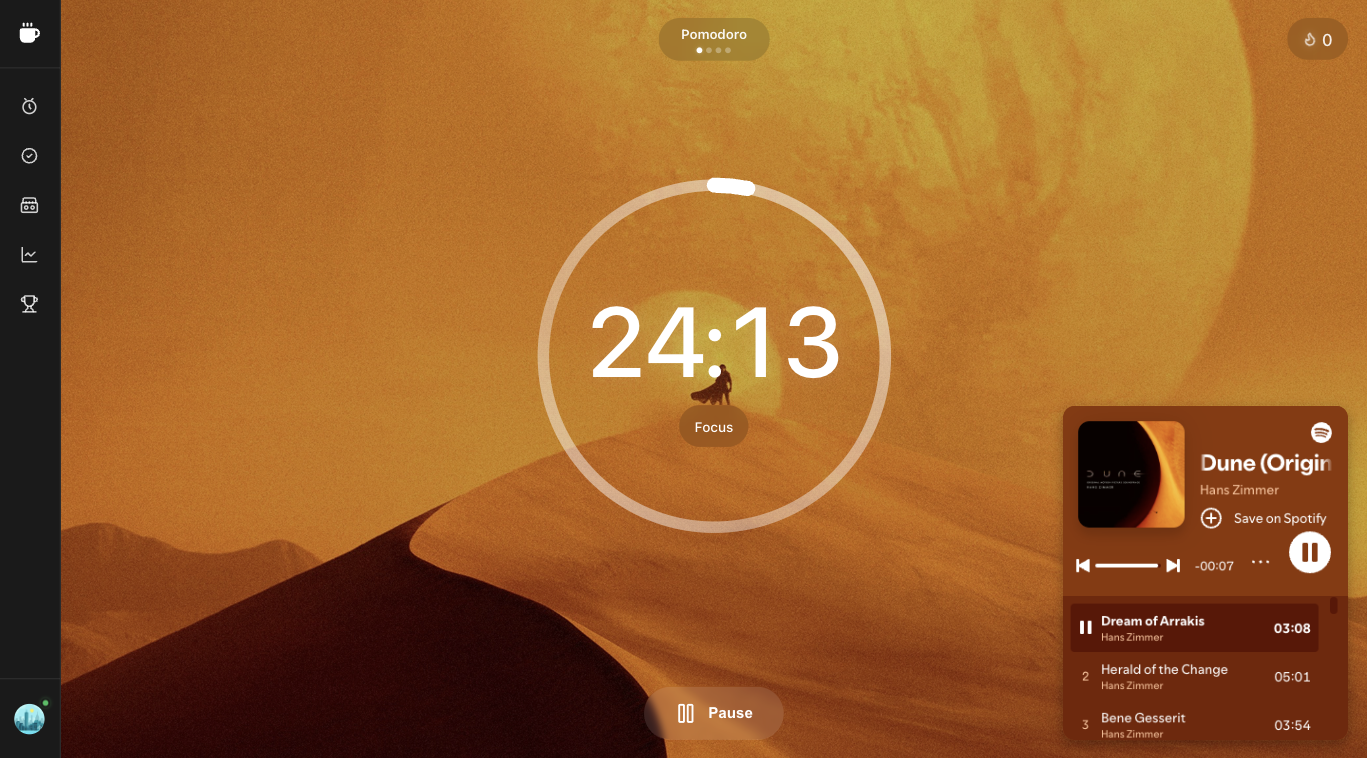
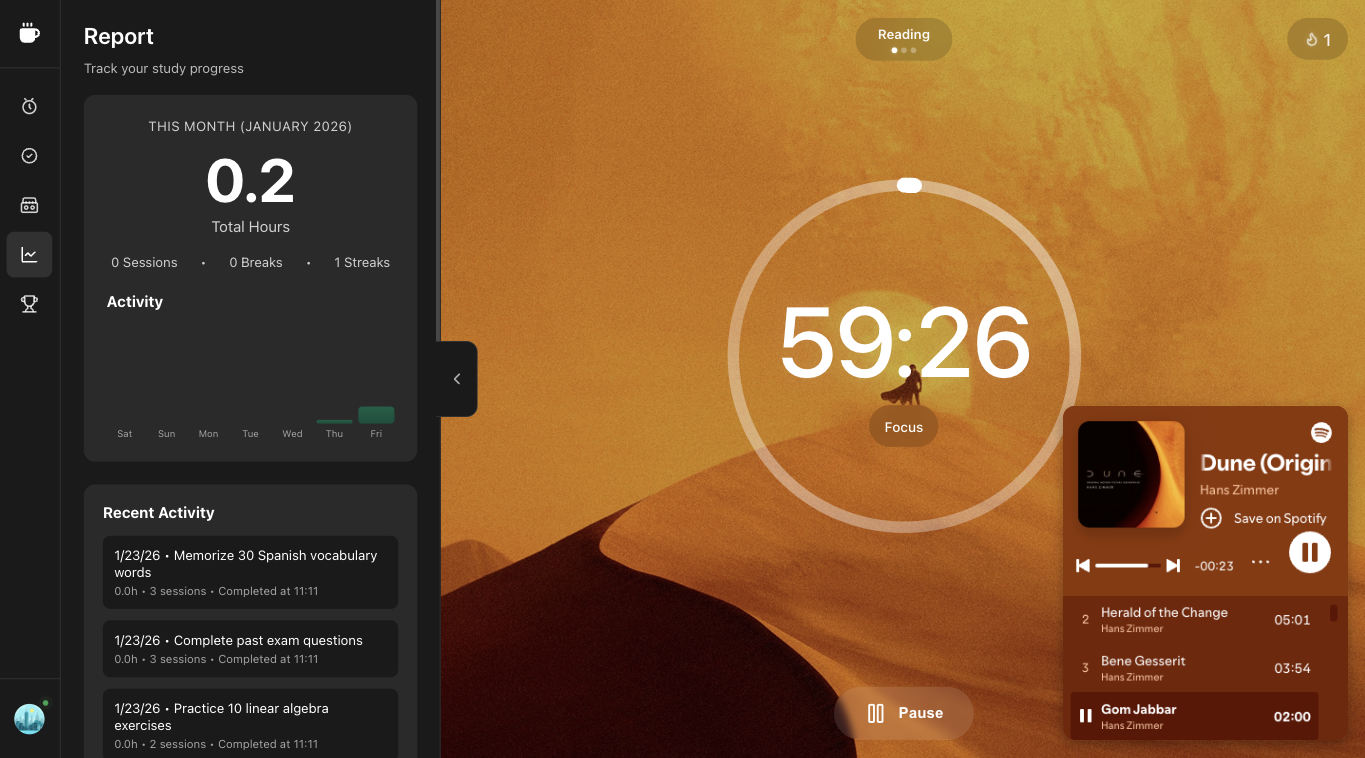
An online Pomodoro Timer to boost your productivity
Free in your browser—tasks, ambient sounds, and analytics. No download required.
"honestly didnt think a simple timer would make a difference but ive been using it for 3 weeks and i actually finish my articles now instead of getting stuck on social media lol"
"back-to-back meetings all day, was impossible to get any actual work done. started blocking 2 pomodoros in the morning and it changed everything"
"tried a bunch of productivity apps, this one just works. no signup BS to try it, no bloat. the 25 min thing really does help"
Too many tabs open?
Nothing actually finished?
End of day, same to-do list?
STOP.
Pick one task. Start the timer.
Track every block, break, and streak.
All in one place.
Less effort. More results.
Everything you need to focus—in one place
How Superfocus helps you focus
Track every pomodoro block, task, ambient sound, focus streak, and analytics report in one place.
Stay in flow
25-minute blocks match your attention span. Start, work, break, repeat. No decision fatigue.
Block distractions
Queue your work. Block noise with ambient sound. Get into deep work without scroll or ping.
See progress
Track focus time and streaks. Compete with others. Build lasting habits.
What is Superfocus?
Superfocus is a customizable Pomodoro timer that works in your browser. The aim is to help you focus on any task you are working on—study, writing, or coding. This app is inspired by the Pomodoro Technique, a time management method developed by Francesco Cirillo. Beyond the timer, Superfocus adds ambient sounds, tasks, and analytics so you can focus without juggling tabs.
What is the Pomodoro Technique?
The Pomodoro Technique is a time management method: focus for 25 minutes, take a 5-minute break, repeat. After 4 sessions, take a 15-minute break. Learn more →
This timeboxing method combines 25-minute work intervals with short breaks to sustain focus. Beyond the timer, it includes daily planning, interruption management, and effort estimation. For guides, timers, and the full methodology, visit the official Pomodoro® Technique site.
Benefits
- Stay focused — 25-minute sessions keep you in deep work mode by aligning with natural attention cycles.
- Avoid burnout — Regular breaks keep your energy high and help prevent burnout.
- Track progress — See exactly how much you accomplish and improve your productivity.
How to use the Pomodoro Timer?
- Add tasks to work on today
- Set estimate pomodoros (1 = 25 min of work) for each task
- Select a task to work on
- Start the timer and focus on the task for 25 minutes
- Take a 5-minute break when the alarm rings
- Iterate until you finish the tasks (after 3–5 pomodoros, take a longer break)
Features
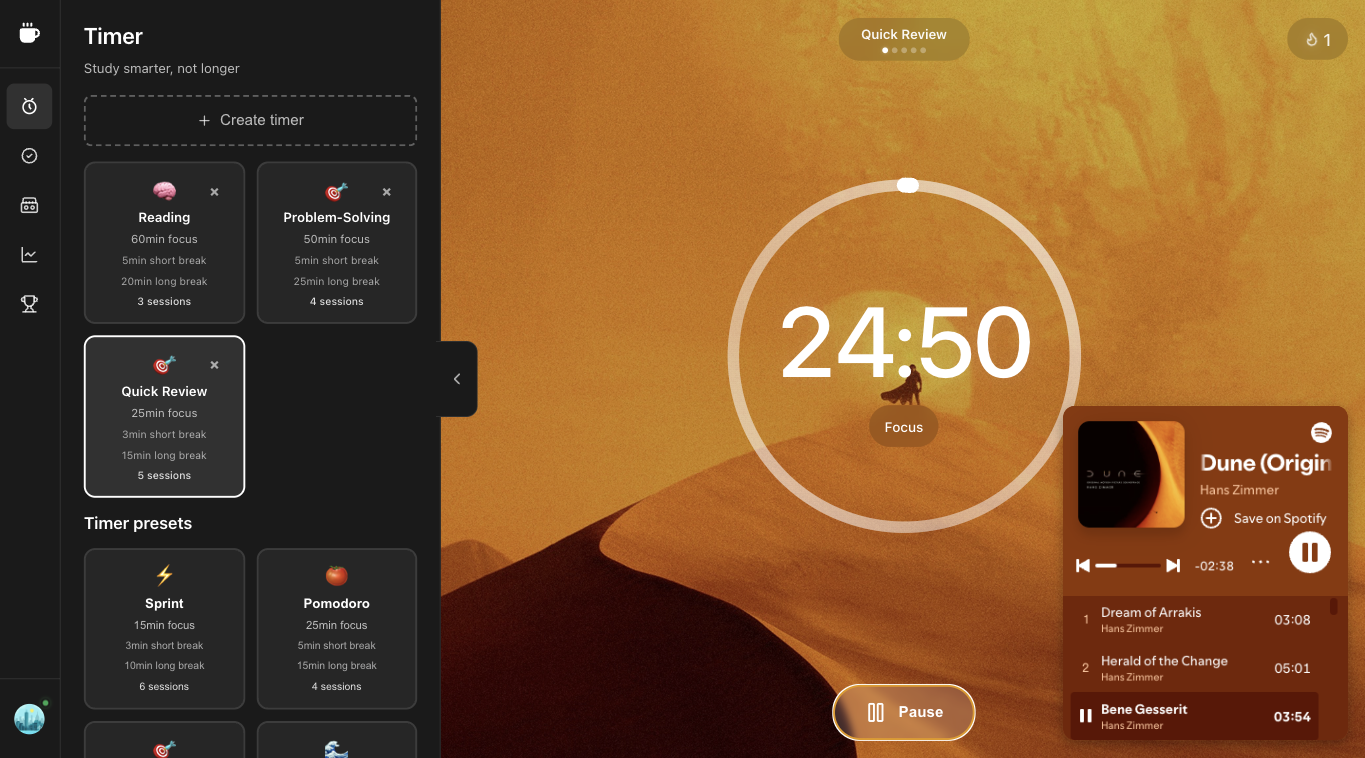
- Timer techniques — Pomodoro, Sprint, Flow State, Deep Work, and Marathon. Choose short sprints or longer deep work sessions.
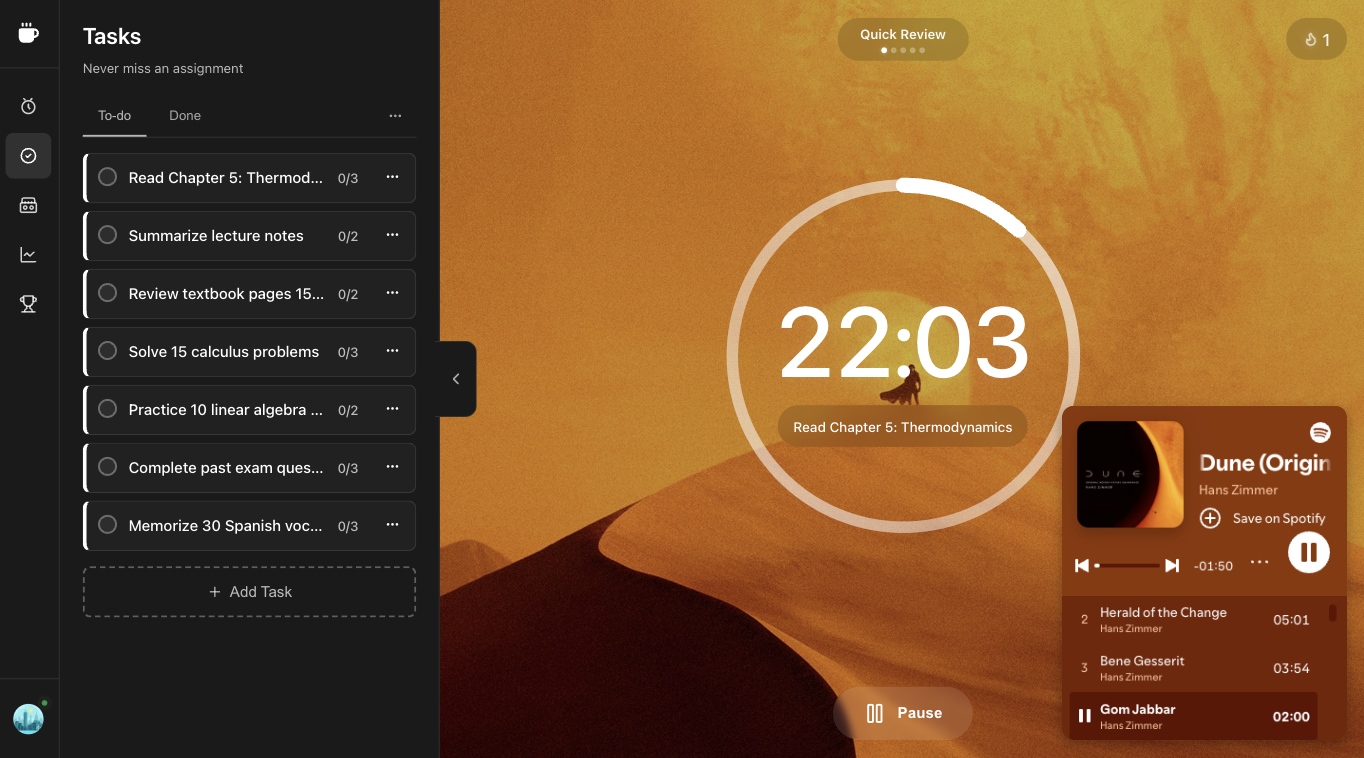
- Tasks — Add tasks, assign pomodoros, and track progress.
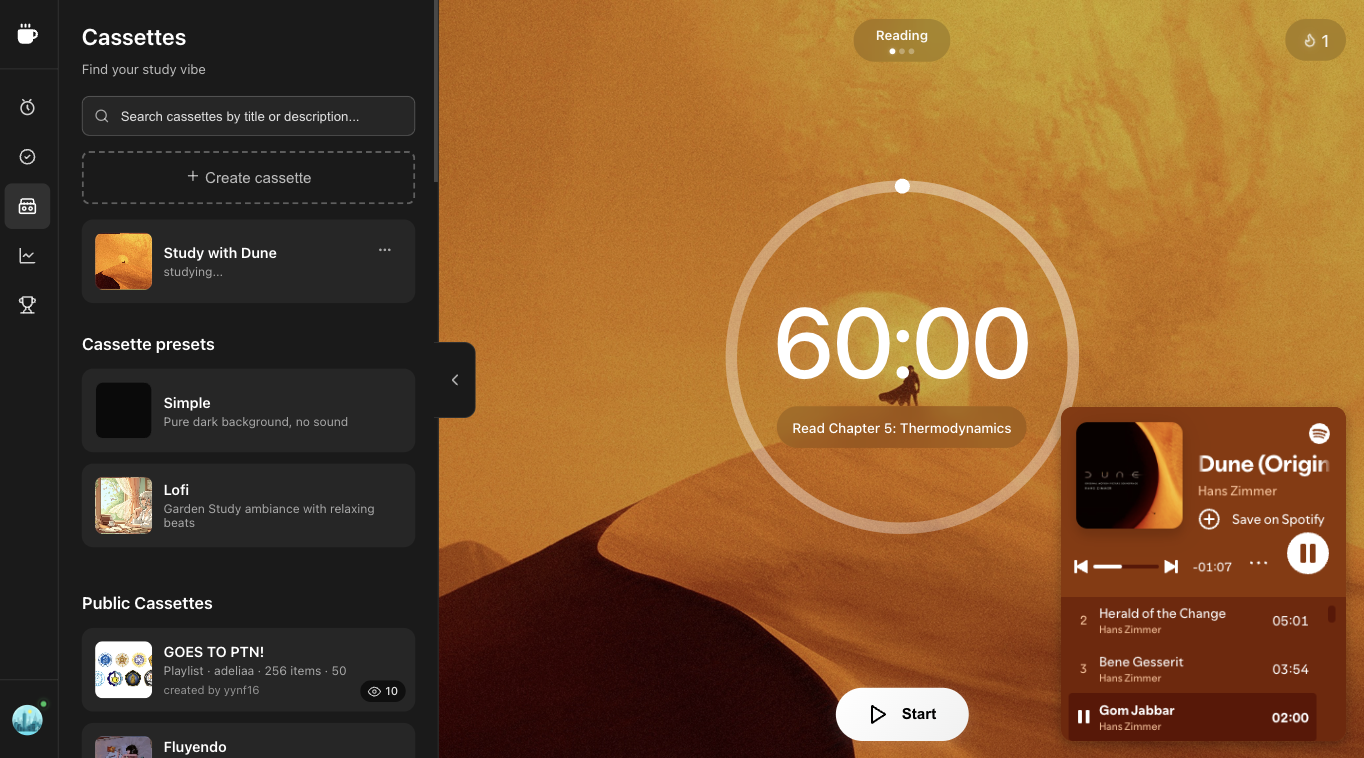
- Cassettes — Ambient sounds and visual themes to sustain concentration and block distractions.
- Analytics — Session history and metrics to build better work habits.
- Leaderboard — Compete with others and stay motivated.
FAQ
Superfocus is currently optimized for desktop. Tablet and mobile layouts are in development and will be released soon once they're polished and bug-free.
Yes. Superfocus is free to use. Guests get 25 minutes of focus per day (one Pomodoro session). Start a free trial for unlimited focus and all timer techniques.
Superfocus helps you stay focused, avoid burnout, and track progress. It combines a Pomodoro timer with ambient sounds, task management, and productivity insights—so you can get into flow, maintain energy, and see how much you accomplish.